
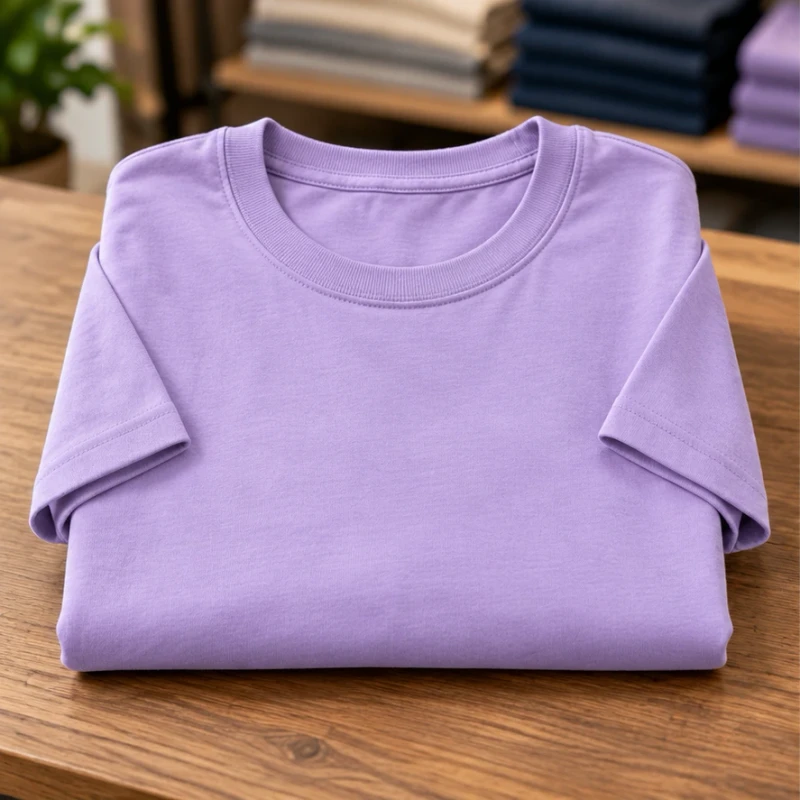
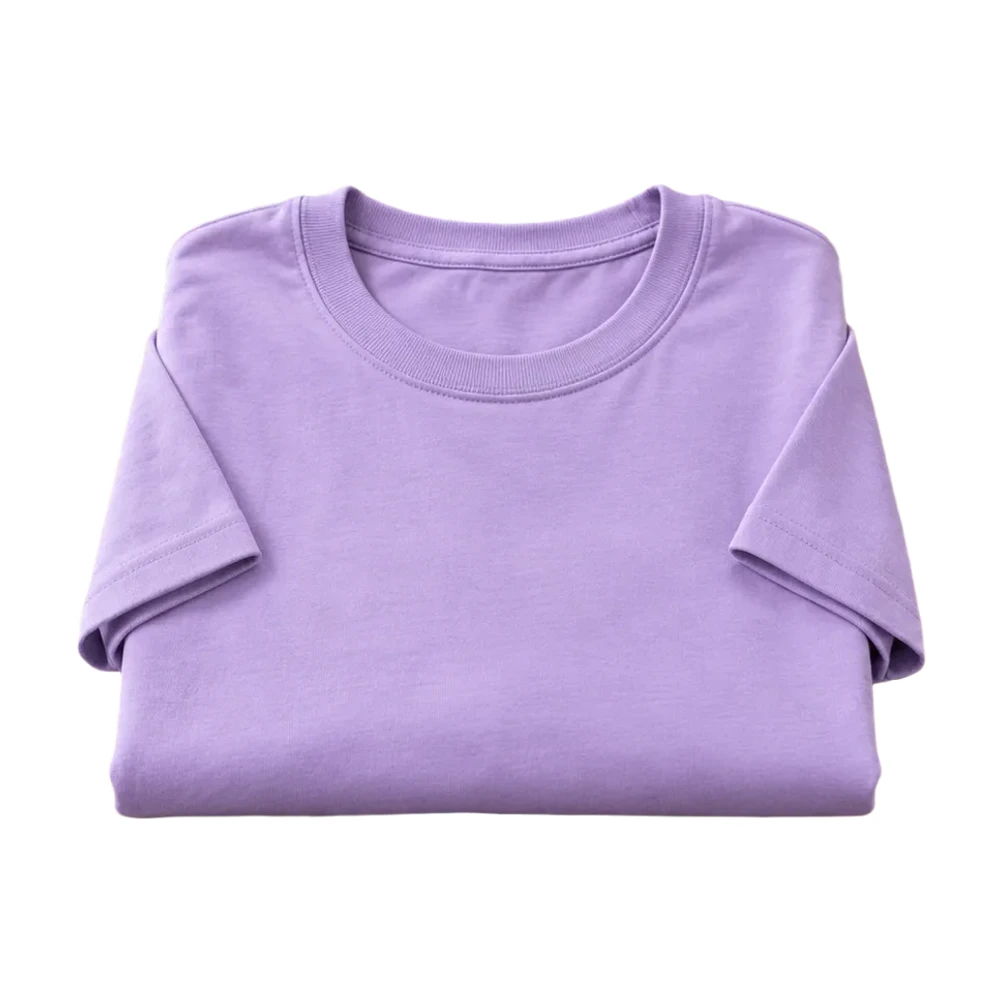
Clothing, without the clutter.
Give the collar, sleeves and fabric color a clean frame.
Try your photo free ↗On your device. No sign-up. No watermark.
Photos stay on your device. First use downloads an AI model (~220 MB).
A CLEANER CANVAS. A CLEARER PHOTO.
Add a white background to a photo without setting up a studio. Remove distractions from product shots and everyday images, choose your framing, then download a clean JPG or PNG for free.
Original photos and actual browser results. Compare the details before you list.
Give the collar, sleeves and fabric color a clean frame.
Try your photo free ↗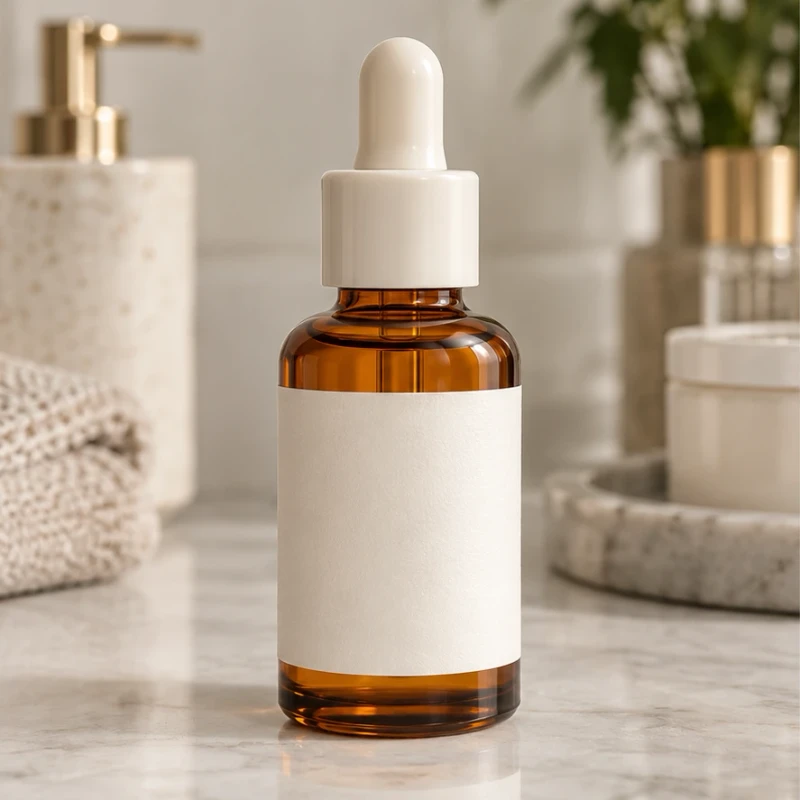
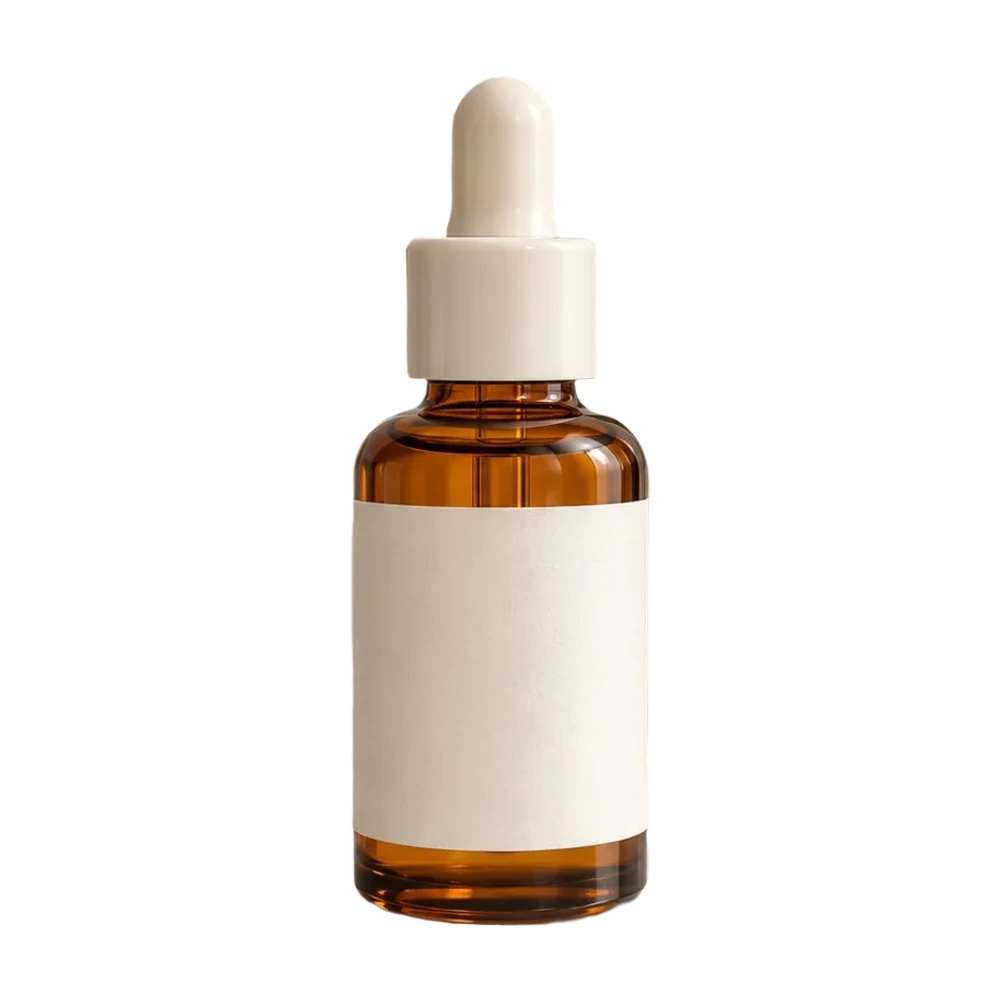
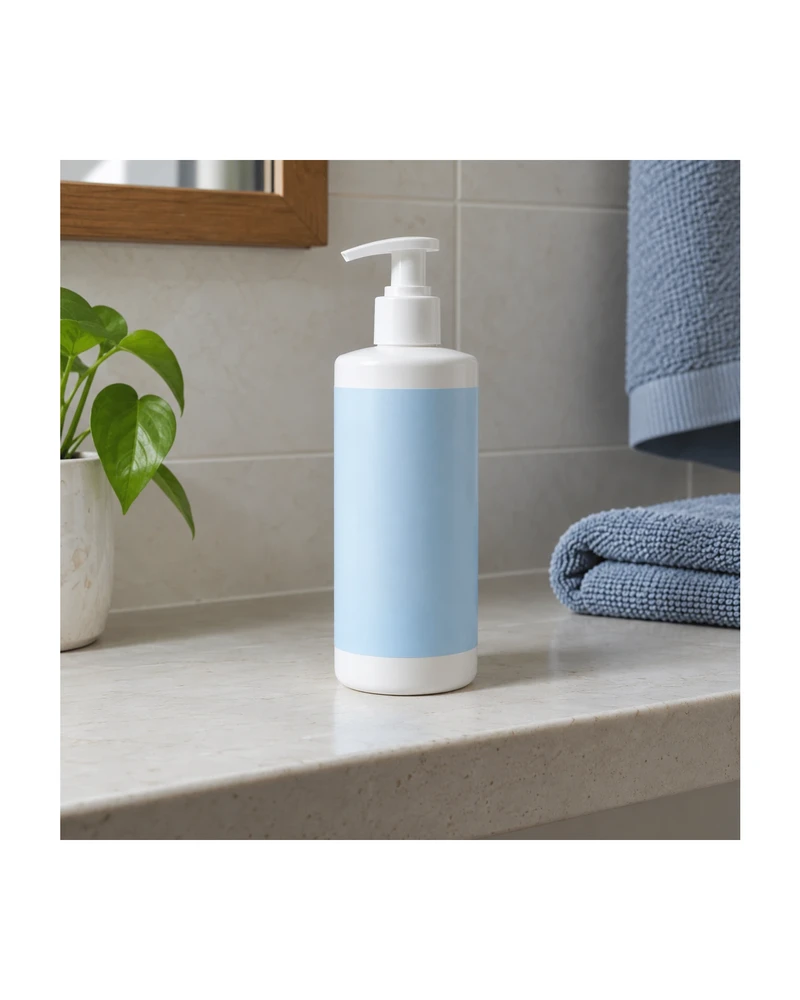
Show the bottle shape and label. Check glass and fine edges.
Try your photo free ↗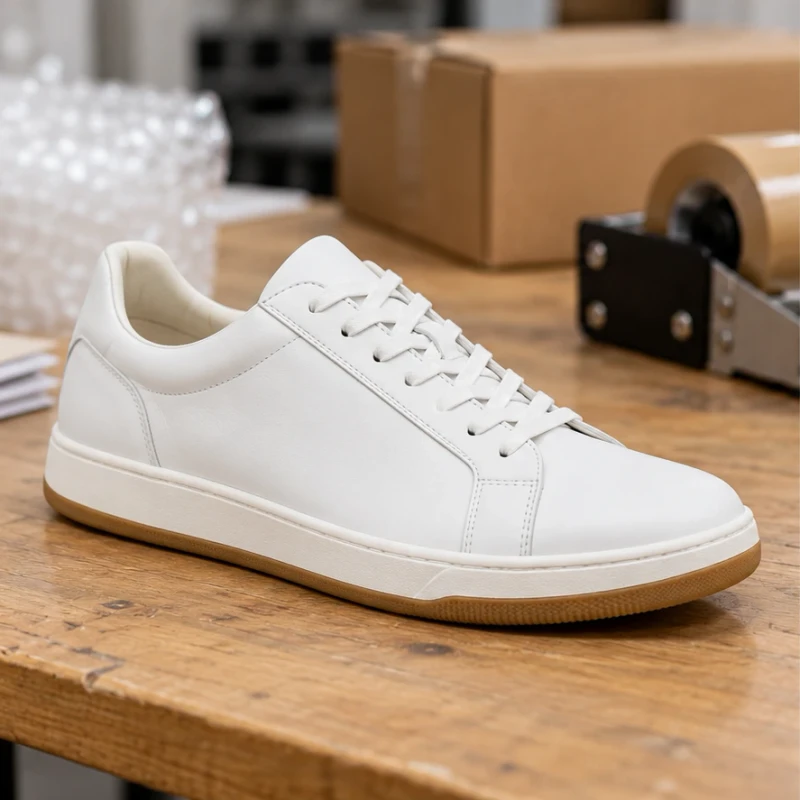
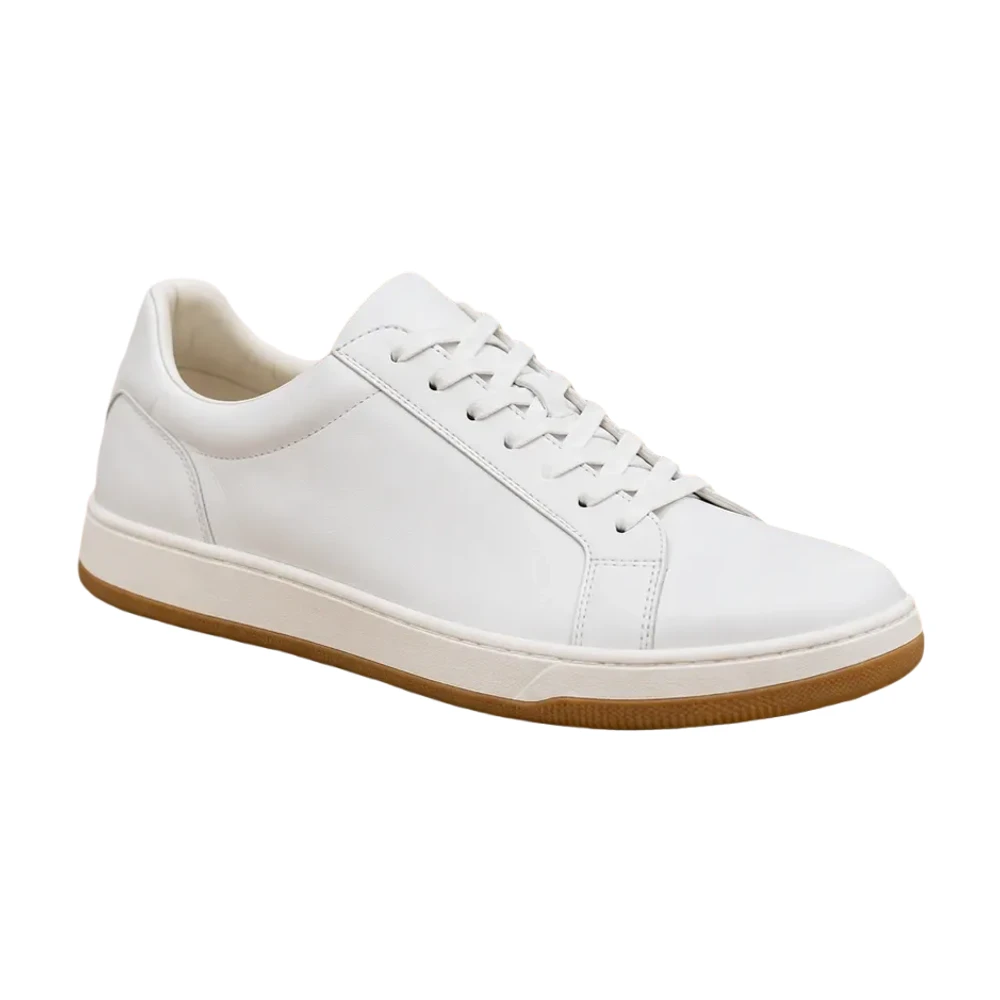
Let the laces, sole and shape stand out against white.
Try your photo free ↗CHOOSE WHAT YOU WANT TO MAKE
From your first white background to a consistent product catalog. Open the tool that fits your next task.
Remove a busy background and put your product in focus on pure white.
Open tool ↗


Apply one set of background and framing settings to your product collection.
Open tool ↗
Already have a cutout? Place it on white without removing its background again.
Open tool ↗

Remove the background and download a PNG for your next design.
Open tool ↗
Fit the whole photo into a square with clean, even padding.
Open tool ↗
Choose listing dimensions and check the framing before you download.
Open tool ↗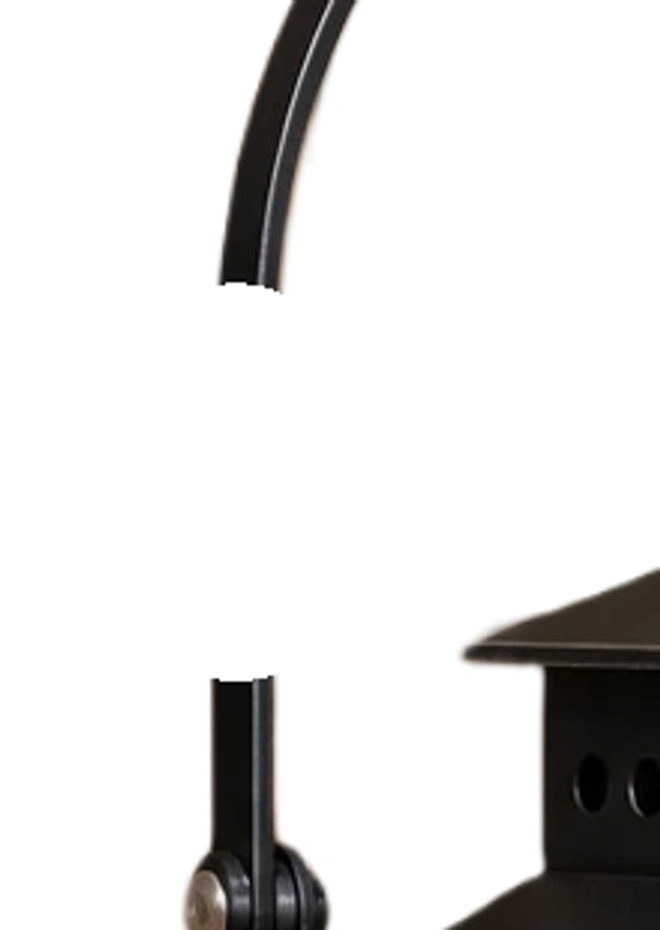
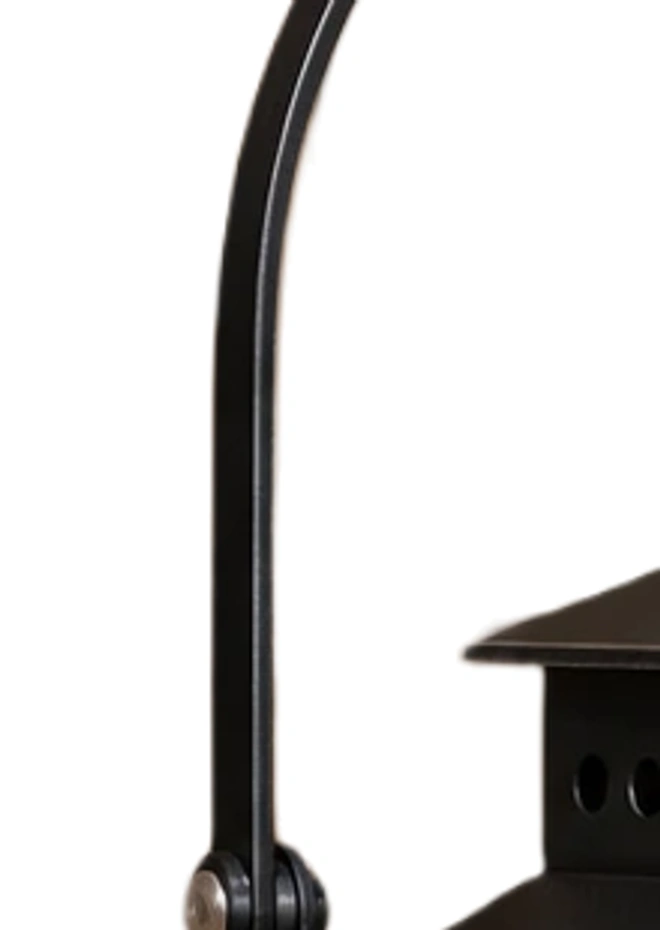
Erase leftover background or restore a detail you want to keep.
Open tool ↗Get a white canvas in the size you need. No photo upload required.
Open tool ↗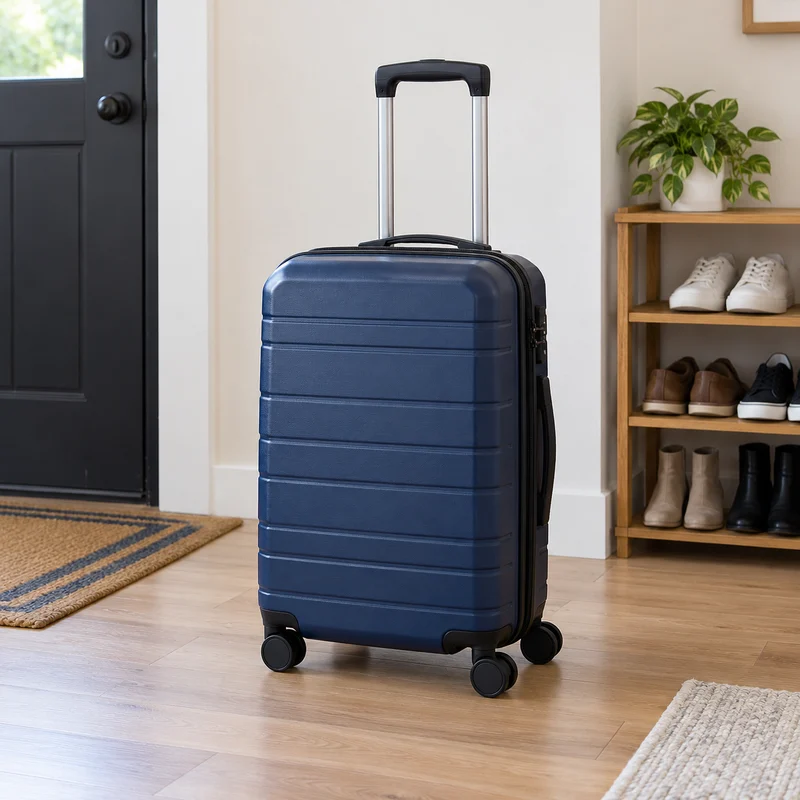
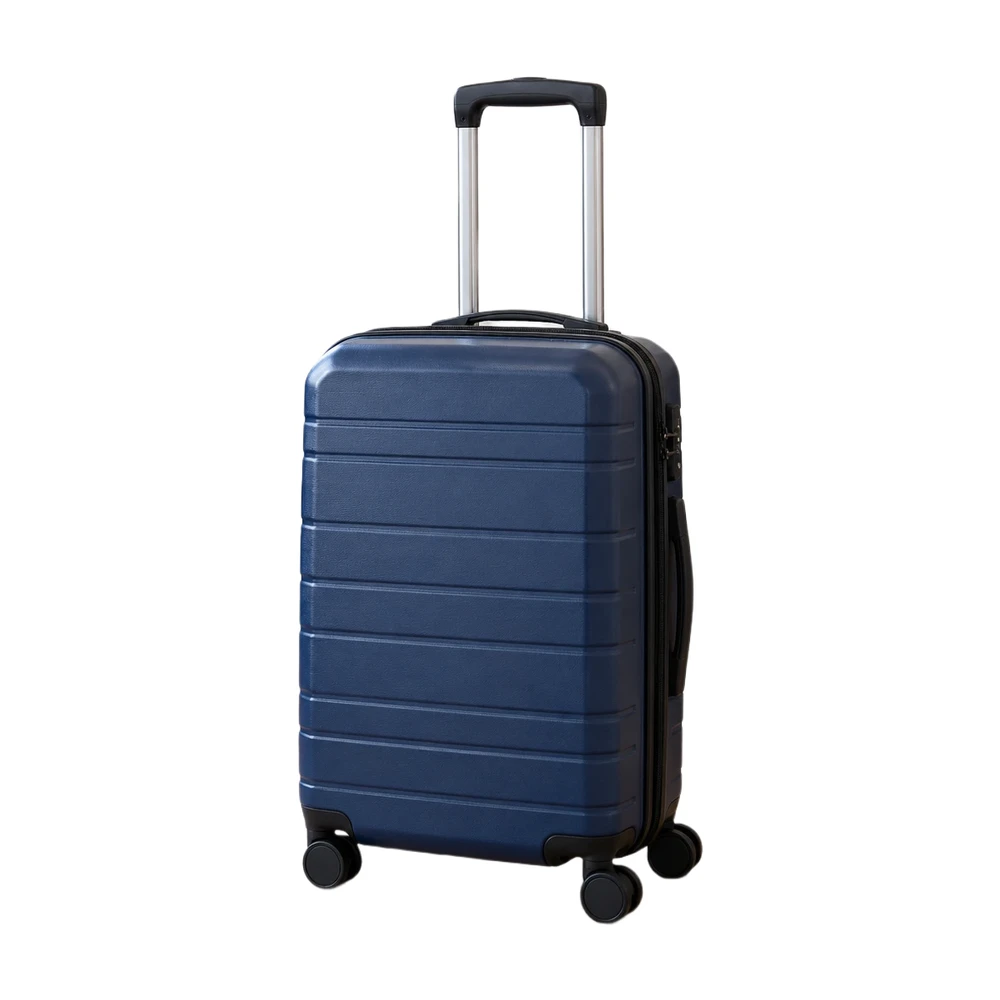
Start with white, then check product framing and image dimensions.
Open tool ↗
Keep image proportions and product spacing consistent in your store.
Open tool ↗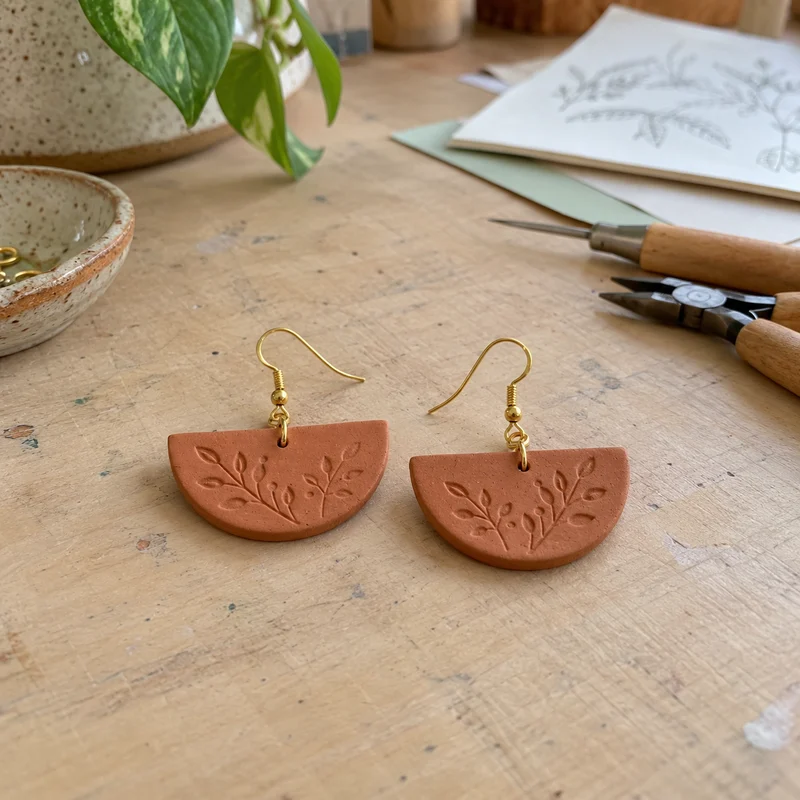
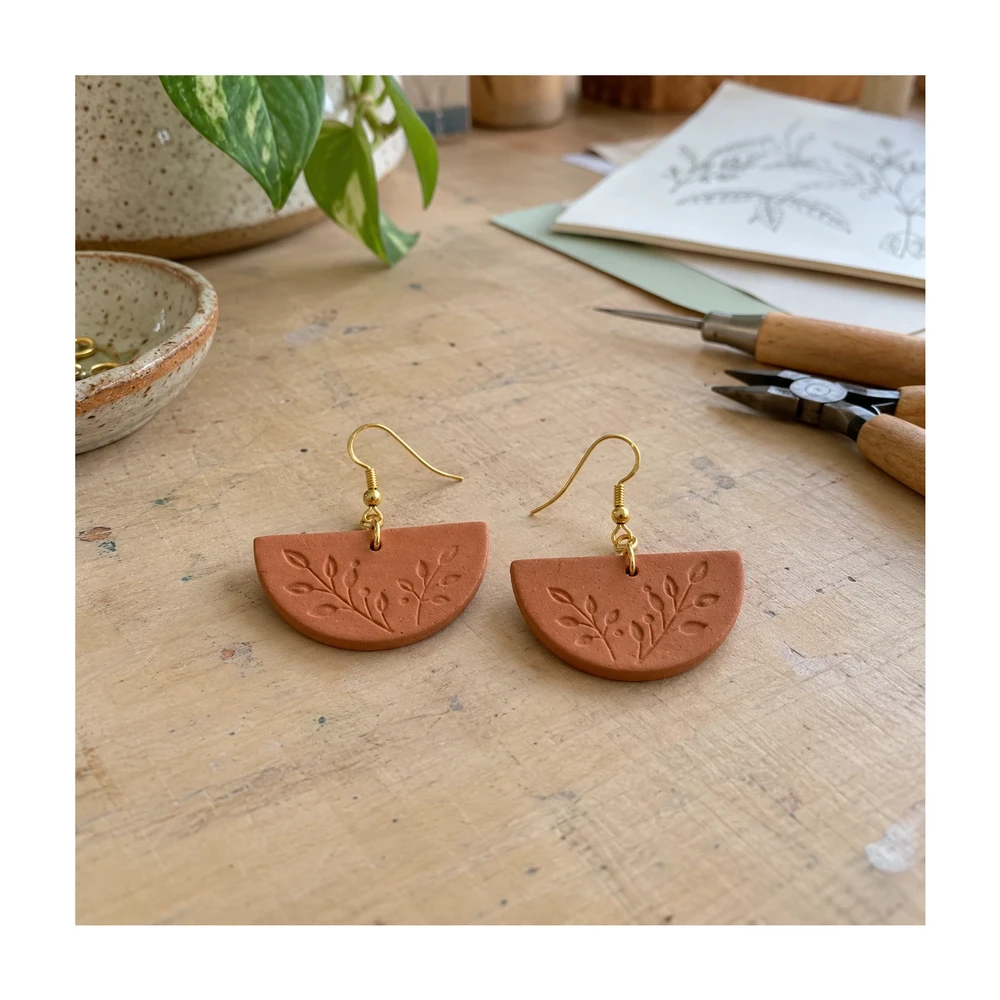
Keep handmade details visible when your listing becomes a thumbnail.
Open tool ↗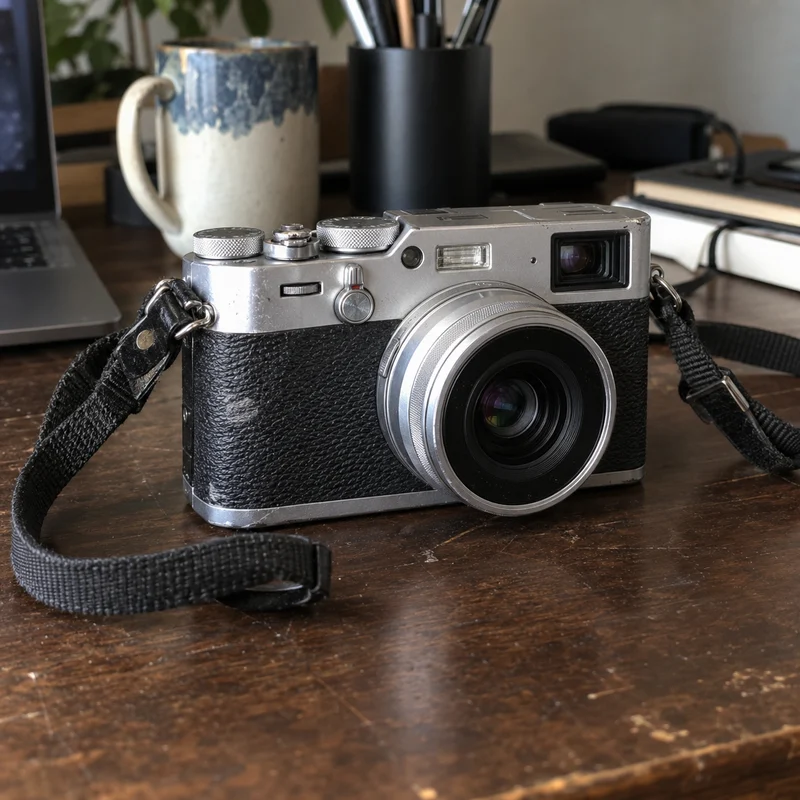
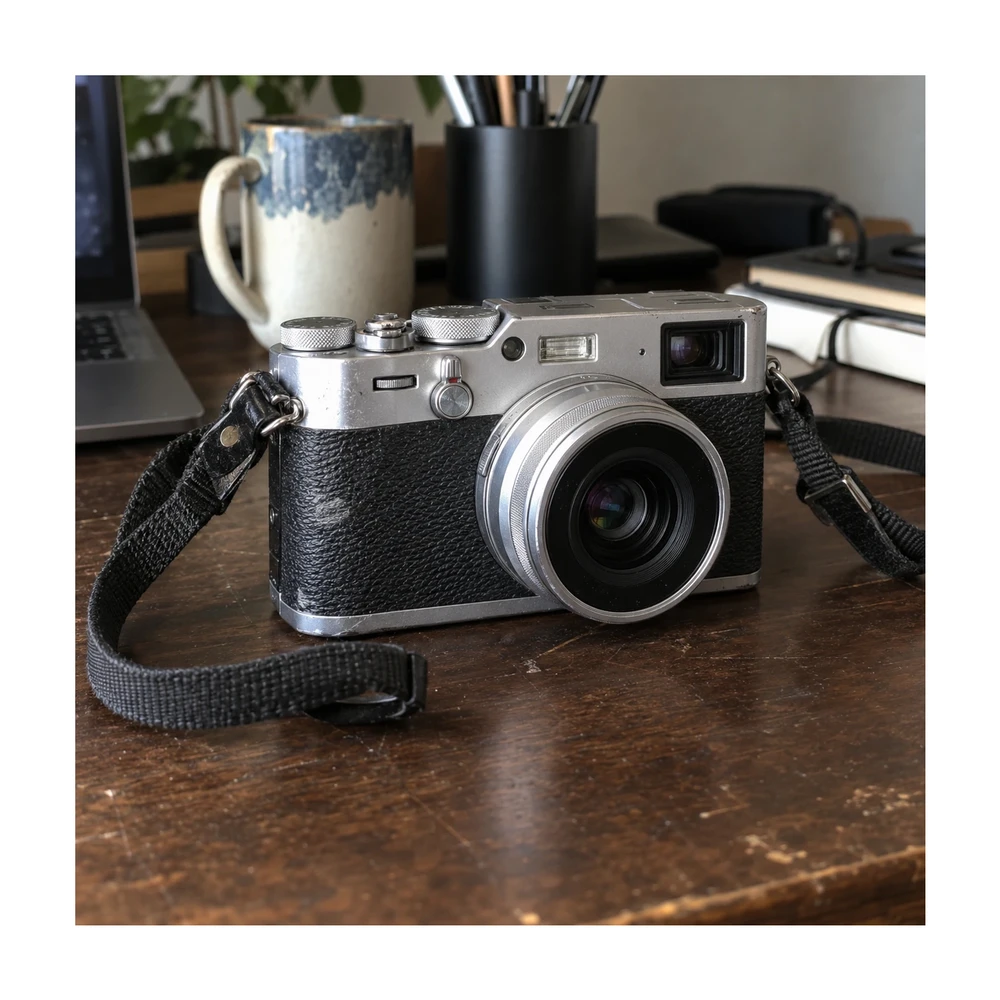
Resize your item photo while preserving its visible condition and wear.
Open tool ↗LESS BACKGROUND. MORE SUBJECT.
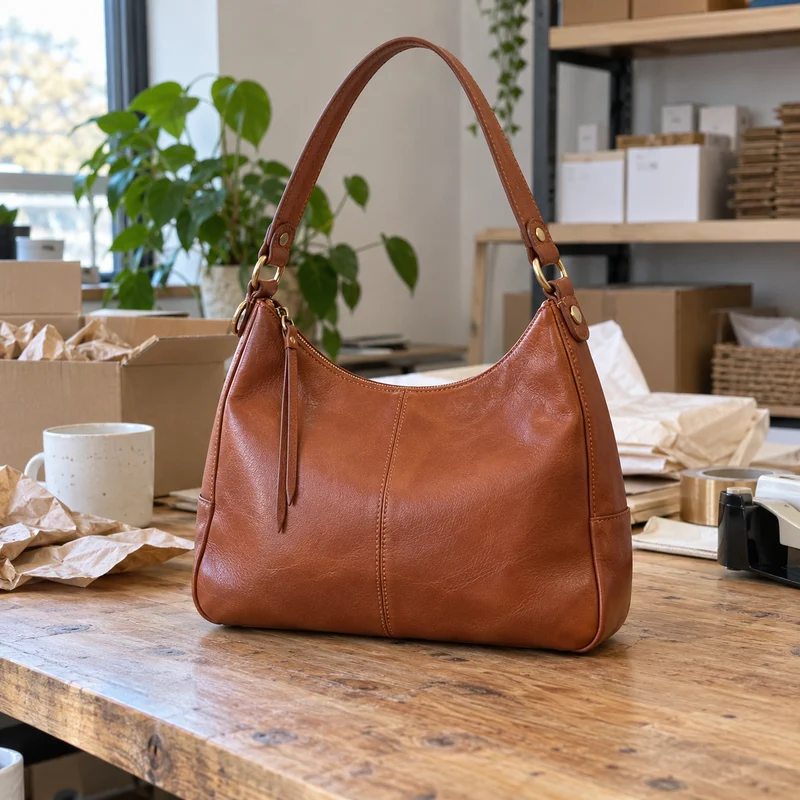
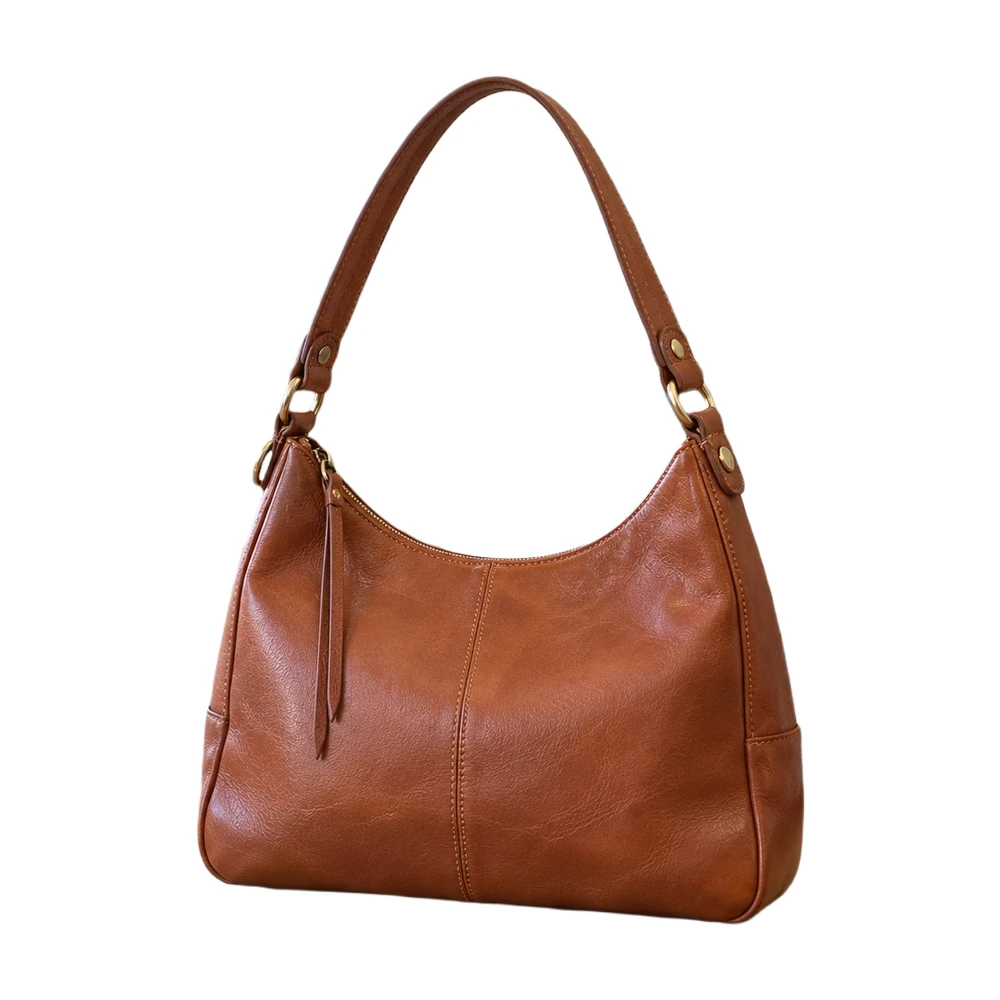
Replace a busy room, workbench or countertop with pure white. Keep the product as the focus, then use Erase and Restore to check straps, handles and other fine details.
Start with the clearest original you have. Hair, fur and reflective edges can need a manual touch-up.
Make a product photo white — free ↗ Original
 On white
A LITTLE SPACE MAKES A DIFFERENCE
Leave room around handles, straps and delicate details. Choose a square or custom canvas, set the product fill and keep the whole subject in view.
The background editor keeps your subject at its source resolution. If your photo is too small, try the separate product photo enhancer and inspect labels and texture before publishing.
Fit your photo into a square ↗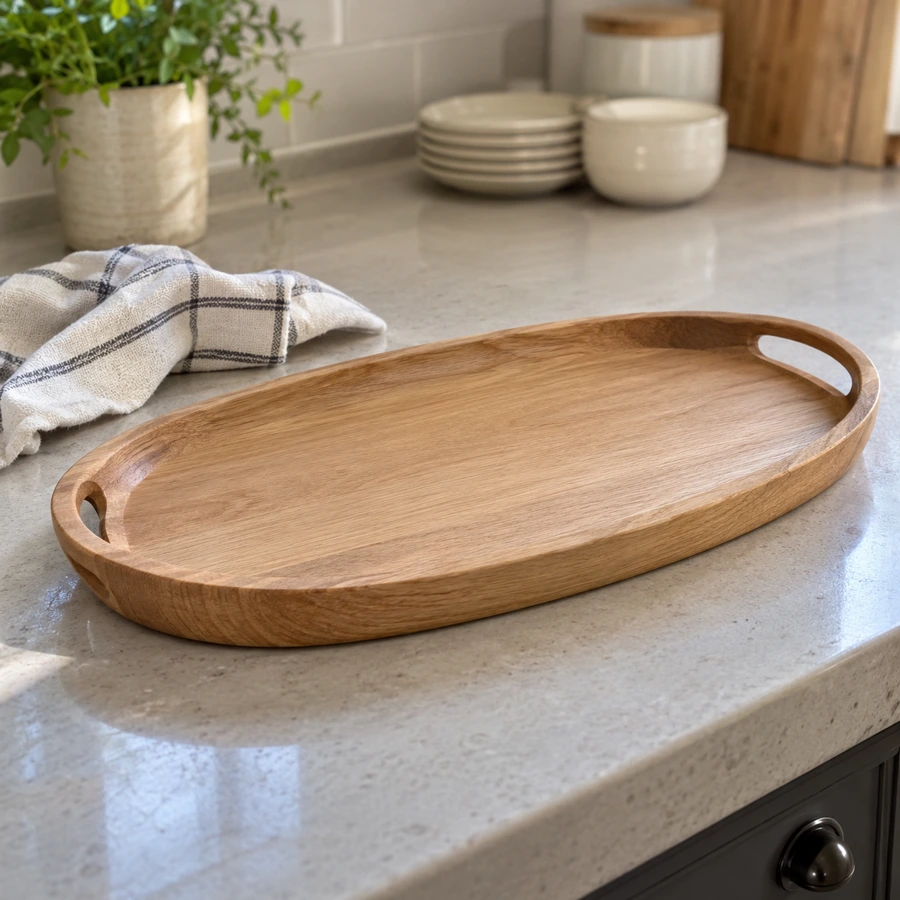
WHEN ONE PHOTO BECOMES A COLLECTION
Give a collection the same background, dimensions and product spacing. With Pro, process up to 100 photos in a local queue, review individual results and download one ZIP.
Try the editor with one photo for free before choosing a plan.
Explore batch background removal ↗YOUR NEXT COLLECTION Shared settings
Workflow illustration · Pro batch editor
FREE FROM UPLOAD TO DOWNLOAD
One photo, a few useful controls, a result you can check.
Upload a JPG, PNG, WebP or HEIC. You can also paste an image or use a public image URL.
Let the browser isolate the subject. First use downloads an AI model; your free-mode photo stays on your device.
Erase leftovers, restore missing areas and choose your canvas. Keep white or export a transparent PNG.
Save a clean JPG or PNG, up to 2200 px, without a watermark. Use a larger original if the result is too small.
MADE FOR THE WAY YOU SELL
The tools you need for a clean listing image, with the final decision in your hands.
Edit single photos without signing up, a usage meter or a watermark. Check the result before considering an upgrade.
Free processing happens in your browser. Optional paid high-quality processing is a separate, clearly marked choice.
Choose a #FFFFFF canvas: RGB 255, 255, 255. Check the background and edges before your photo reaches the listing.
Use Erase, Restore, Undo and Redo for handles, labels and edges. Compare your cutout with the original.
Use marketplace presets, square padding or custom dimensions. The editor reports a smaller export rather than enlarging your subject silently.
Pro adds local batch queues and larger photo exports. A Credit pack is available when you only want occasional server processing.
START FREE. GROW WHEN YOU NEED TO.
Choose Pro for batch editing and larger exports, or buy processing credits for occasional use.
FOR YOUR NEXT PHOTO
$0 always
No account. No watermark.
Your photo stays on your device.
FOR A GROWING CATALOG
$4.99 / month
$59.88 billed yearly. Save $36 a year.
500 processing credits issued each month.
FOR OCCASIONAL HIGH-QUALITY PROCESSING
$4.99 once
300 processing credits.
No subscription. Credits do not expire.
Choose by how you work. Free editing stays free.
| What you need | Free | Pro | Credit pack |
|---|---|---|---|
| Single-photo editing on your device | Unlimited | Unlimited | Included with Free |
| Touch-up brush and presets | Included | Included | Included with Free |
| Maximum photo export edge | 2200 px | 4096 px | 2200 px |
| Batch editing on your device | Single photos | Up to 100 photos | Single photos |
| Processing credits | — | 500 each month | 300 per pack |
| Processing credit expiry | — | At the monthly grant boundary | Do not expire |
| Account for High quality | — | Yes | Yes |
| Payment | No card needed | Monthly or yearly | One-time purchase |
high-quality photos are uploaded for processing. Our private copies follow a 24-hour deletion policy; KIE has separate retention periods. Read the privacy details ↗
A FEW USEFUL ANSWERS
Yes. Single photos are free and unlimited — they're processed in your browser, so there's nothing for us to meter. Pro adds batch processing, 4K export and High quality.
The export follows Amazon's published rules: pure white (RGB 255, 255, 255), the product filling about 85% of the frame, and 1000 px+ on the longest side when your original is large enough. Amazon also checks props, packaging and text, so take a last look before uploading.
Short for white background — everything around your subject is replaced with solid #FFFFFF.
The AI keeps whatever looks like part of the subject. Erase it with the touch-up brush and download again.
The background editor keeps the subject at its source resolution and reports a smaller export when needed. For an explicit 2× enlargement, use our separate free Product Photo Enhancer and compare important text, logos and texture with the original.
Not in free mode — background removal runs on your device. High-quality processing uploads the photo for processing and uses credits from Pro or a credit pack. Files in our storage are deleted after 24 hours; KIE may retain media for 14 days and task logs for 2 months.
Quick processing needs a compatible browser and enough device memory. The first run downloads about 220 MB, so Wi-Fi is best. If your phone cannot run the model, use a supported desktop browser or choose High quality to skip the model download.
Pro includes local batch editing, photo exports up to 4096 px and 500 processing credits each month. Annual subscriptions receive those credits monthly. A one-time Credit pack contains 300 non-expiring credits and does not grant Pro batch or 4K access.
You can use your edited photos commercially when you have the necessary rights to the original. The plain white background images are free for personal and commercial use.
Upload a photo. Check the details. Download for free, without a watermark.
Make it white — free ↗